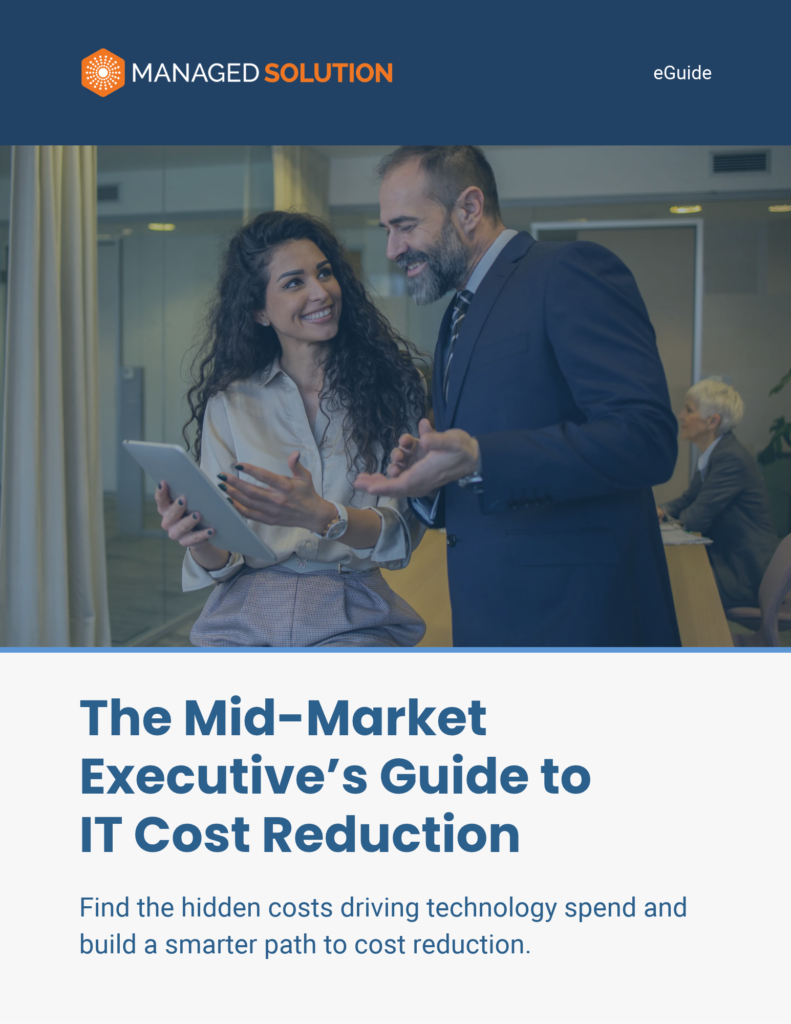
IT cost reduction isn’t just about spending less. It’s about understanding where technology spend is actually creating value, where it’s creating unnecessary work, and where costs have quietly accumulated over time.
For growing organizations, those costs rarely come from one bad purchase. They build across software, infrastructure, support, vendors, and the time employees spend working around technology that isn’t operating as efficiently as it should.
This guide highlights where to look first and how to make smarter IT cost decisions without creating new operational risk.
1. IT Costs Add Up Quietly
Technology spend often reflects years of reasonable decisions layered on top of one another. The challenge is determining which costs still create value and which have become inefficient.
The biggest opportunity may not be sitting on an IT invoice at all. It can show up as duplicate work, fragmented processes, recurring technical issues, and employee time lost dealing with technology.
Look for:
Shadow IT
Recurring downtime
Vendor sprawl
Unused or overlapping licenses
The key is to look beyond what technology costs to buy and consider what it costs the business to operate.
2. Where IT Overspending Hides
Overspending isn’t always an expensive contract. Sometimes the technology itself looks reasonably priced while the business absorbs additional labor, disruption, risk, or complexity behind it.
Four areas deserve particular attention:
Security
More tools don’t automatically create better protection. Overlapping products can increase spending without improving outcomes if the technology isn’t properly configured and operated.
Backup & Recovery
A successful backup is only valuable if the organization can actually restore the systems and dependencies the business needs to operate.
Network Infrastructure
Lower-cost infrastructure can become expensive when every future change requires additional discovery, engineering, and troubleshooting.
Hardware
Replacing equipment too early wastes capital. Waiting until failure can create downtime, support issues, security exceptions, and emergency purchases.
The better question: Are we paying for technology that reliably produces the outcome we bought it for?
3. Reduce the Work Around Technology
One of the strongest ideas in the eGuide deserves to stay prominent on the webpage:
The biggest IT costs often don’t come from technology purchases. They come from the work required to support technology every day.
As organizations grow, more employees, devices, applications, administrative work, and specialized IT needs can translate into higher operating costs. The goal is to reduce that operational burden so internal IT can spend more time on strategic initiatives, security modernization, business growth, process improvement, and innovation.
I would actually consider using this graphic, or a web-adapted version of it, as the primary visual in the article because it communicates the bigger idea quickly.
4. Make Every IT Dollar Work Harder
Effective cost reduction starts with improving utilization, not automatically cutting investment. The goal is to connect every technology dollar to a capability the business actually needs and uses.
Review Before You Renew
Create visibility into upcoming renewals and decide whether each major investment should be kept, reduced, consolidated, renegotiated, or eliminated.
Use What You Already Own
Before purchasing another platform, determine whether the capability already exists in Microsoft or another strategic platform you’re paying for.
Buy the Capability, Not Just Headcount
When IT needs more capacity, identify the actual gap in hours, expertise, and coverage before assuming another full-time hire is the answer.
Right-Size Before You Commit
Optimize cloud consumption before committing to Azure Reservations or Savings Plans, and tie variable technology spending such as AI consumption to measurable business outputs.
Measure the Business Outcome
Evaluate technology according to the work it removes or the capability it creates, not simply the number of licenses or tools in use.
5. Check Your IT Cost Position
A useful cost review comes down to three areas:
Visibility: Do we know exactly what we’re paying for?
Overlap: Are we paying twice for the same capabilities?
Exposure: Where could cutting costs create greater business risk?
The full guide includes an IT Cost Scorecard that evaluates these three areas across software, licensing, renewals, security, backup, downtime, and support coverage.
CTA: How efficient is your IT spend?
Download the full IT Cost Reduction Guide and complete the IT Cost Scorecard →
Smarter IT Spending Starts With Better Visibility
The goal isn’t simply a smaller technology budget.
It’s knowing what you’re paying for, what you’re getting from it, where unnecessary work has accumulated, and which investments the business actually needs next.
That creates a much healthier approach to cost reduction: eliminate waste without eliminating the technology capabilities the business depends on