


What Is Shadow IT? Risks, Examples, and How to Prevent It
Artificial intelligence, SaaS applications, and hybrid work have made employees more productive than ever, but they’ve also introduced a growing cybersecurity challenge.
Today, employees can sign up for AI assistants, cloud storage platforms, project management software, and collaboration tools in minutes, often without IT ever knowing. While these tools may improve productivity, they also create blind spots that expose organizations to data leaks, compliance violations, and cyberattacks.
This growing phenomenon is known as shadow IT, and with the rise of generative AI, it’s evolving into an even bigger challenge: shadow AI.
In this guide, we’ll explain what shadow IT is, why it’s becoming more common, the risks it poses, and how Microsoft security solutions can help organizations discover, govern, and secure unauthorized applications.
Table of Contents
What Is Shadow IT?
Shadow IT Definition
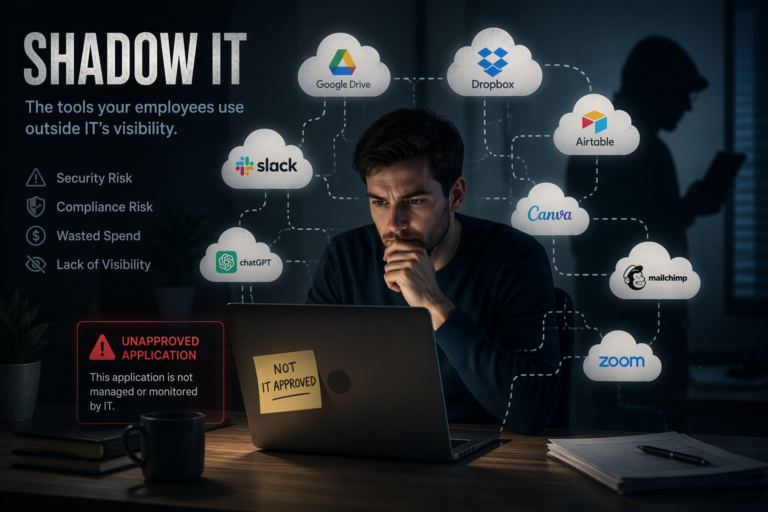
Shadow IT refers to any application, software, cloud service, device, or technology used within an organization without the knowledge, approval, or management of the IT department.
These tools are rarely adopted with malicious intent. More often, employees simply want to:
- Work faster
- Collaborate more efficiently
- Fill functionality gaps
- Avoid lengthy software approval processes
- Experiment with new AI capabilities
For example, an employee may upload confidential files to ChatGPT for summarization, use a personal Dropbox account to share documents, or purchase a project management platform using a company credit card, all without IT approval.
Although these actions may seem harmless, they create security, governance, and compliance risks that many organizations cannot see. In fact, 80% of employees use SaaS apps without IT approval and 67% bring in personal tools to work, making shadow IT the norm rather than the exception.
Why Shadow IT Is Growing
Several workplace trends have accelerated shadow IT adoption.
AI is everywhere
Generative AI tools such as ChatGPT, Claude, Gemini, and Microsoft Copilot have become part of everyday work. Employees are increasingly experimenting with AI outside approved governance policies.
SaaS is easier than ever
Thousands of cloud applications can be purchased instantly with little or no involvement from IT.
Hybrid work
Remote employees often seek tools that improve collaboration or solve immediate problems.
Consumer-grade technology
Employees expect workplace software to be as simple as the apps they use at home.
As organizations embrace digital transformation, balancing innovation with governance has become increasingly difficult.
Examples of Shadow IT in the Workplace
Examples of shadow IT are more common than you may think. This is because the problem isn’t defined by a specific application or tool, but by how they are being used. Even trusted business tools can become an issue when they’re adopted without approval and this spans nearly every category of workplace technology. Common examples of tools used without authorization and configuration include:
Generative AI tools
ChatGPT, Claude, Gemini, AI coding assistants, and AI meeting tools when used without approved security guidelines or governance.
Example: An employee uploads internal documents to a personal AI tool to quickly summarize information, without knowing whether the data is stored or used by the provider.
File storage and sharing platforms
Personal Dropbox, Google Drive, OneDrive accounts, or personal email used to share company information.
Example: An employee saves company files to a personal cloud storage account to access them while working remotely.
Collaboration and communication tools
Unauthorized Slack workspaces, WhatsApp groups, personal Zoom accounts, or other messaging platforms used for business discussions.
Example: A team creates its own Slack workspace or uses WhatsApp to collaborate because the approved communication platform does not meet their needs.
Project management and productivity tools
Trello, Notion, Airtable, Asana, or Monday.com purchased or adopted without IT review.
Example: A department purchases a project management tool with a corporate credit card without involving IT, creating an application that security teams cannot monitor.
Developer and technical tools
Personal GitHub repositories, cloud development environments, third-party APIs, and browser extensions that connect to company systems.
Example: A developer connects an unapproved API, browser extension, or cloud service to company systems to speed up a workflow.
Department-specific SaaS applications
Apps that are purchased independently by teams to solve business needs without going through standard IT approval processes.
Example: A marketing or sales team adopts a new SaaS platform without realizing it introduces additional user accounts, data sharing risks, and compliance considerations.
Shadow IT Statistics You Should Know
Reports and studies from Gartner, IBM, and Microsoft outline the following data that’s important for businesses to understand:
- 80% of employees use unauthorized SaaS apps
- 1 in 3 employees use unapproved cloud services
- Actual cloud usage can be 10x higher than what IT tracks
- 45% of organizations allow employees to procure software without approval
These numbers highlight one key reality: most organizations don’t fully know what tools their employees are using.
Shadow IT Risks in Cybersecurity
More than a management issue, shadow IT risks are one of the biggest cybersecurity challenges organizations face.
Even though most cases of shadow IT are simply the result of employees trying to work more effectively, using unapproved applications or tools can unintentionally expose sensitive business data, create new pathways for cyberattacks, and increase unnecessary software costs to the organization.
Data Exposure and Sensitive Information Leaks
Accidental exposure of confidential data is one of the primary shadow IT security risks. Employees may not realize the data they share with unauthorized tools can be retained and/or used outside of their company’s security policies. Leading to exposure of customer records or financial information they believed to be safe.
Without data loss prevention policies, encryption, or centralized access controls put in place by IT, organizations lose visibility and control of where sensitive information lives and who has access to it.
This is especially important when noting that the Cost of Data Breach Report by IBM showed data breaches reaching an average cost of $4.45 million for businesses, threatening the continued operation for small to mid-size businesses and devasting the credibility of enterprises.
Increased Cyberattack Surface
Every unmanaged application is essentially another doorway into your organization for cybercriminals. Security teams work hard to secure approved software but they can’t protect tools they don’t know exist.
Attackers increasingly target forgotten SaaS accounts, third-party integrations, browser extensions, etc… because they often have fewer security controls than core business systems. As organizations adopt more tools and applications, anything that is unauthorized expands the attack surface and creates additional opportunities for compromise.
Compliance and Regulatory Risks
For organizations operating in regulated industries, shadow IT can create significant compliance challenges. Sensitive data stored in unauthorized applications may violate requirements under regulations such as HIPAA, GDPR, PCI DSS, or industry-specific governance frameworks.
In California, shadow IT can also introduce compliance risks under the California Consumer Privacy Act (CCPA) and the California Privacy Rights Act (CPRA). If employees store or process consumers’ personal information in unauthorized applications, businesses may struggle to meet requirements for safeguarding personal data, responding to consumer privacy requests, or maintaining accurate records of where that information is stored.
A single unauthorized application can make regulatory compliance significantly more difficult and increase the organization’s legal and financial risk. Even if no breach occurs, organizations may struggle to demonstrate where regulated data is stored, who can access it, or whether required security controls are in place during an audit.
Lack of Visibility Makes Response Difficult
Perhaps the greatest challenge with shadow IT is that security teams can’t protect what they can’t see. Applications operating outside IT oversight aren’t monitored for suspicious activity, vulnerability management, or policy enforcement.
When an incident does occur, investigators often discover that the affected application wasn’t even on the organization’s inventory. This lack of visibility slows incident response, complicates forensic investigations, and makes it harder to contain threats before they spread.
Malware and Phishing Opportunities
Cybercriminals frequently disguise malicious software as productivity tools, browser extensions, AI assistants, or free utilities. Employees who download these applications without IT review may unknowingly install malware or grant attackers access to company data and credentials.
Because these applications often appear legitimate, they can bypass employee suspicion while introducing significant security risks.
The Hidden Financial Cost of Shadow IT
Beyond increasing security risk and potential costs associated with cyberattacks, Shadow IT also drives unnecessary technology spending. Organizations often pay for multiple tools that perform the same function because departments purchase software independently.
Gartner estimates that large enterprises can spend millions of dollars each year on redundant or underutilized SaaS applications, while other industry research suggests that as much as 30–40% of enterprise IT spending is tied to shadow IT and unmanaged software.
On top of duplicate licensing costs or software sprawl, organizations also face hidden expenses from incident response, compliance remediation, lost productivity, and downtime following security events.
Overall the negative financial impact of shadow IT results from reduced visibility, increased security risk and redundant spending that often remains hidden until something goes wrong.
Shadow IT Impact on Tech Workers
For IT teams, Shadow IT is a well-known issue. However, understanding and educating your workers on the impact it has on your technical teams enables you to foster an environment where Shadow IT is collectively eliminated. Here’s what IT workers have shared on reddit:
Hidden SaaS Sprawl
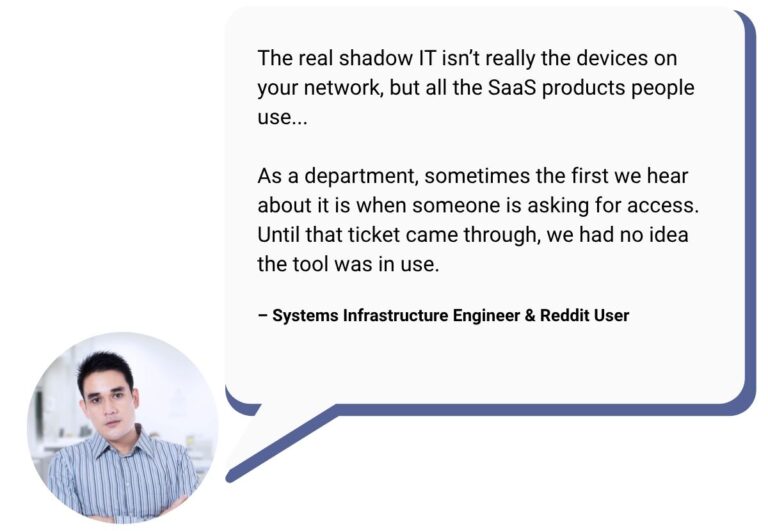
Unknown SaaS apps create blind spots and unforeseen risk.
Unexpected Support Burden
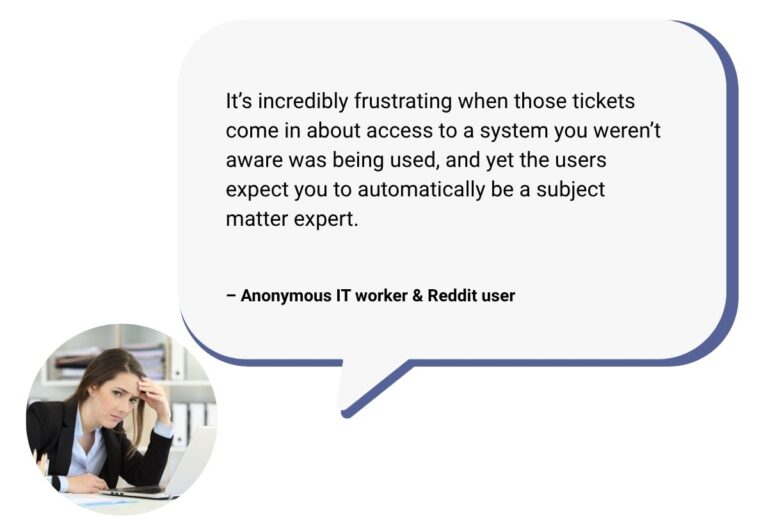
Resources & time is depleted on unauthorized tool support tickets.
Vigilance & Communication Are Key
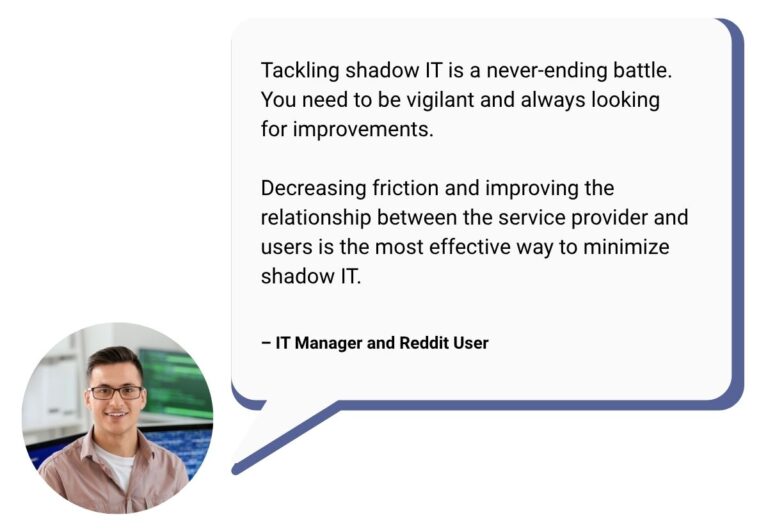
Shadow IT is a constant battle that requires collaboration between IT and end-users.
Shadow AI: The New Face of Shadow IT
The rise of generative AI and workplace artificial intelligence tools has accelerated shadow IT and created a new challenge known as shadow AI.
Shadow AI occurs when employees use artificial intelligence tools outside approved organizational policies
Examples include:
- Uploading proprietary data into public AI tools
- Using AI tools outside company policies
- Connecting AI apps to internal systems
Notably, 20% of organizations experienced incidents linked to shadow AI in 2025. Because AI tools learn from large amounts of data and often interact with sensitive information, they introduce governance challenges that extend beyond traditional shadow IT.
This is why AI governance and security are so critical for all organizations. Managing AI and automation tools in a secure setting is key for bolstering security, optimizing spend, as well as structuring AI usage for visible return on investment—which you can learn about in our AI ROI article here.
How to Prevent and Eliminate Shadow IT
Successfully eliminating shadow IT starts with understanding what tools are being used across your organization. Once you know what tools have been adopted your team can then begin to implement the right governance, security controls, optimization strategies and employee education on how to prevent shadow IT to tackle the matter once and for all.
1. Gain Visibility First
You can’t manage what you can’t see.
- Use SaaS discovery tools
- Monitor network and endpoint activity
- Audit OAuth and third-party integrations
2. Adopt a Zero-Trust Security Model
Ensure every tool and user is verified and monitored:
- Enforce MFA everywhere
- Use identity-based access controls
- Limit permissions and access scopes
3. Provide Better Approved Alternatives
Shadow IT often happens because official tools are lacking.
- Invest in modern, user-friendly platforms
- Offer approved AI tools for safe usage
- Reduce friction in tool adoption
4. Simplify IT Approval Processes
Make it easier for employees to request and adopt tools:
- Fast-track approvals
- Create a self-service app catalog
- Encourage collaboration between IT and business teams
5. Educate Employees
Most shadow IT is unintentional, which is why pro-active employee education and communication are so critical. We recommend regularly training your team on the following:
- Shadow IT and security risks
- Safe AI use
- Data handling policies
- Technology approval and implementation processes
6. Implement Shadow IT Management Tools
CASB (Cloud Access Security Brokers)
- Microsoft Defender for Cloud Apps
- Netskope
- Palo Alto Prisma
SaaS Management Platforms (SMPs)
- BetterCloud
- Zylo
- Torii
Identity & Access Management
- Microsoft Entra ID (Azure AD)
- Okta
Endpoint & Device Management
- Microsoft Intune
- VMware Workspace ONE
How Managed IT Service Providers Help
To overcome shadow IT, organizations require ongoing visibility, security expertise, and strategic alignment of technology decisions across all departments with business goals. This is where partnering with a managed service provider can be a gamechanger.
MSPs work alongside internal IT teams to monitor environments, identify risks and redundancies, and implement security protocols that streamline safe technology adoption by using advanced monitoring tools and providing an extra layer of visibility and expertise.
As security experts MSPs also work to establish stronger identity controls, improved end-point security, and protection of sensitive data to secure and streamline technology environment management.
For organizations seeking optimization, consolidation and bolstered security, MSPs that specialize in Microsoft technology provide additional advantages. Specialists can help optimize or implement solutions like Microsoft Defender, Entra ID, Intune, and purview to help their clients maximize security while also optimizing their licensing to ensure they get the most out of their tools without risk or waste.
In short, a Microsoft Partner can help businesses:
- Identify security gaps and shadow IT risks across their environment
- Configure Microsoft security solutions based on industry best practices
- Strengthen identity, access, and device management policies
- Improve Microsoft 365 governance and compliance
- Guide secure AI adoption with Microsoft Copilot
- Provide ongoing monitoring, support, and strategic IT guidance
Ultimately, MSPs are there for overwhelmed IT teams and business leaders alike and collaborate with them to create a secure foundation where employees have access to the tools they need so that businesses can continue innovating with confidence.
Shadow IT Management: The Bottom Line
Shadow IT isn’t going away.
Like everything in our digital world, shadow IT is evolving. Employees will always find new tools to work faster, especially as AI adoption accelerates.
Organizations that successfully manage shadow IT recognize that the goal isn’t eliminating innovation but securing it. Rather than restricting employees from adopting new technologies, they focus on gaining visibility into the tools being used, establishing governance that enables secure adoption, and ensuring IT works alongside business teams instead of becoming a bottleneck.
By balancing productivity with security, organizations can empower employees to embrace new technologies while protecting sensitive data, maintaining compliance, and reducing cyber risk.
Take Control of Shadow IT Before It Becomes a Security Risk
Do you know which applications, AI tools, and cloud services are being used across your organization? Our Microsoft security experts can help you gain visibility into your environment, strengthen governance, and implement solutions like Microsoft Defender for Cloud Apps, Entra ID, and Intune to reduce risk without slowing productivity.